Privacy & Data Statement (UK GDPR)
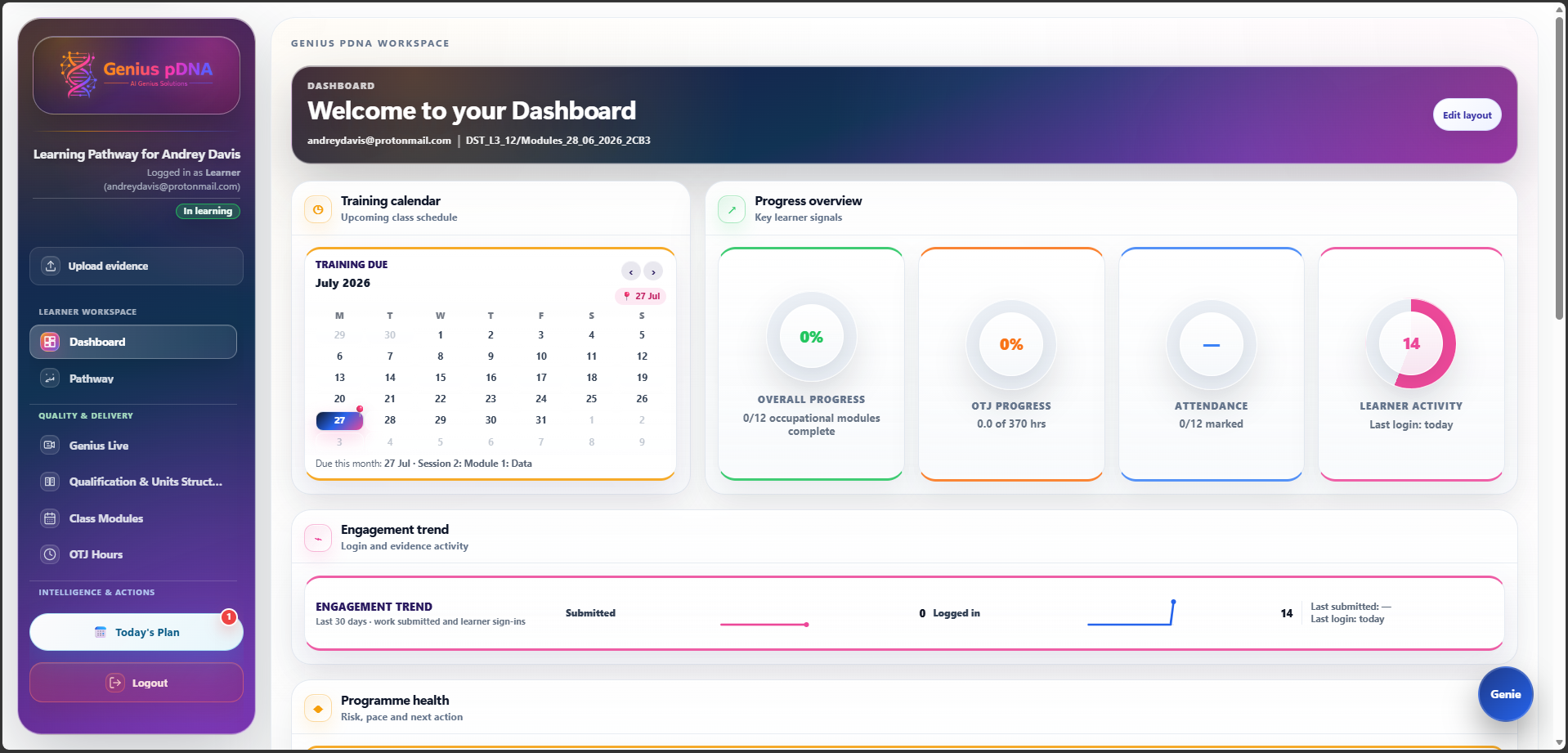
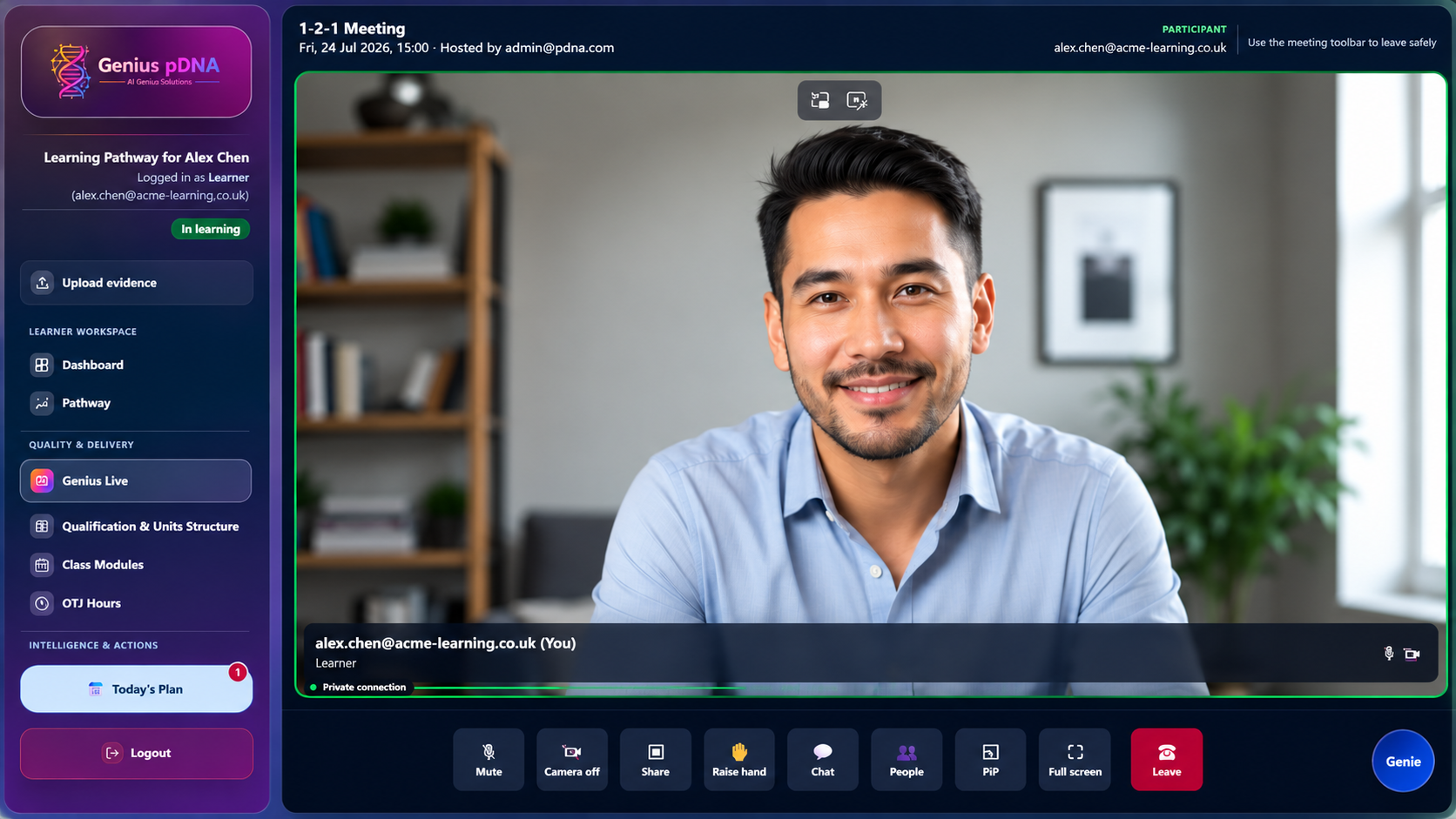
This statement explains how AI Genius Solutions Ltd (“AIGS”, “we”, “us”) processes
personal data when you use the Genius pDNA platform (the “App”). Genius pDNA is a
learning, evidence and programme management platform owned and operated by AI Genius Solutions Ltd.
It is intended for UK users and is aligned with the UK GDPR and the Data Protection Act 2018.
1) Roles: Controller vs Processor
The App is typically provided to organisations for apprenticeship delivery and evidence tracking.
In most deployments:
- Your organisation, such as a training provider or employer, is the Data Controller for learner, trainer and programme records.
- AIGS acts as a Data Processor, processing data on the Controller’s documented instructions.
AIGS may act as a Data Controller for limited data required to operate the service,
such as security logs, account administration, billing and service communications.
2) Contact details
- Company: AI Genius Solutions Ltd (UK)
- Company Registration No.: 16774347
- Privacy contact: andreydavis@aigeniussolutions.com
- Legal contact: andreydavis@aigeniussolutions.com
3) Data we process
We process only the categories of data needed to provide and secure the App, including:
- Identity & access: name, email, role, organisation/company identifier, authentication/session tokens.
- Programme & learning: apprenticeship standard, module records, planned delivery dates, progress indicators, reviews/sign-offs and competence ratings.
- Evidence & notes: evidence descriptions, assessor feedback/marking notes, uploaded files and metadata, and audit history.
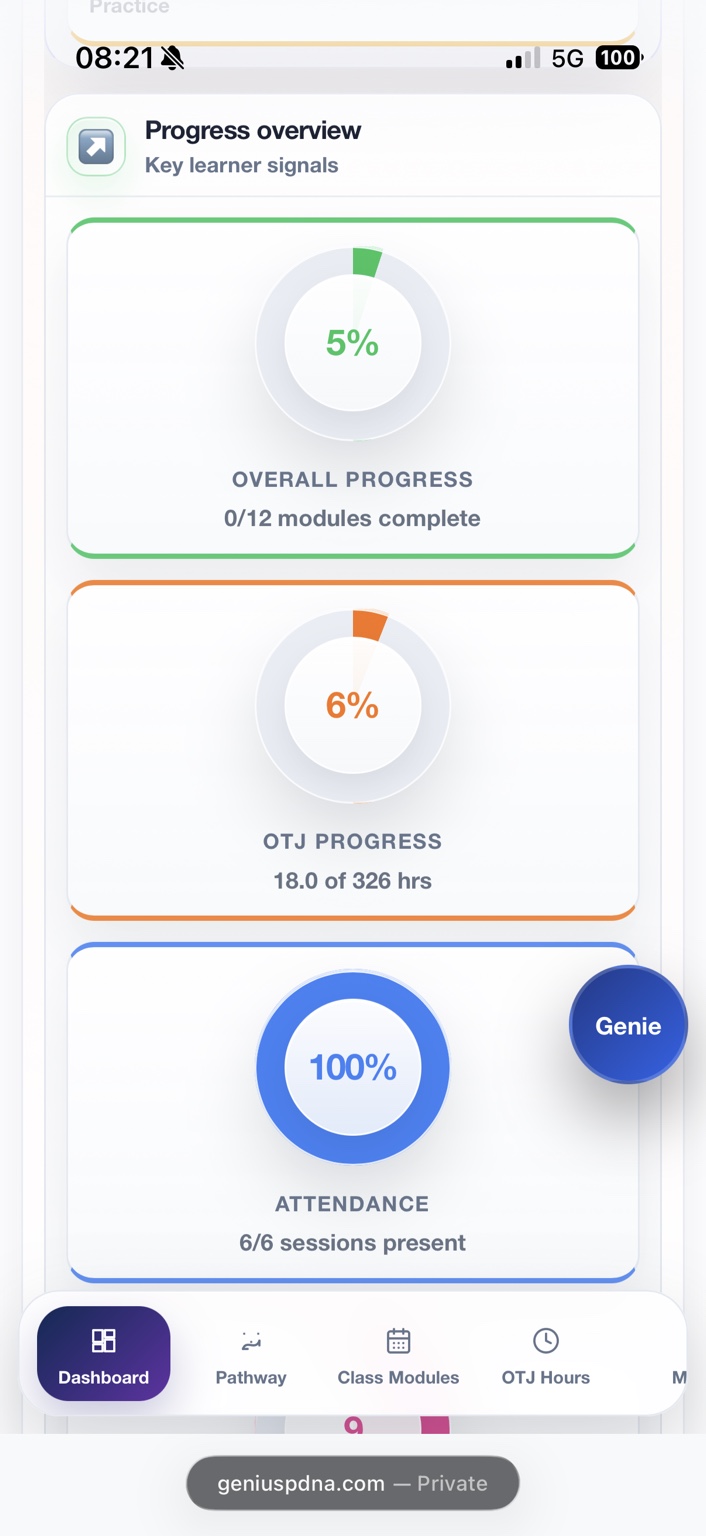
- Attendance: session dates/times and attendance status codes.
- Technical & security: diagnostic logs, error reports and security events needed to prevent misuse and maintain service integrity.
The App is not intended for special category data. If users include such information in free-text evidence
or notes, it will be processed only to the extent necessary to provide the service and maintain auditability.
4) How we use data
- to provide the Genius pDNA platform’s features and enforce role-based access and permissions;
- to support training delivery, evidence capture, marking, reviews and auditability;
- to maintain security, prevent fraud/abuse, and monitor availability and performance;
- to provide support and respond to user requests;
- to comply with legal obligations where applicable.
5) Lawful bases (UK GDPR)
Where AIGS acts as a Controller, we rely on one or more lawful bases, including
contract, legitimate interests, legal obligation,
and consent where explicitly requested for optional features.
Where AIGS acts as a Processor, the Controller determines the lawful basis and instructs AIGS accordingly.
6) Role-based access and employer visibility
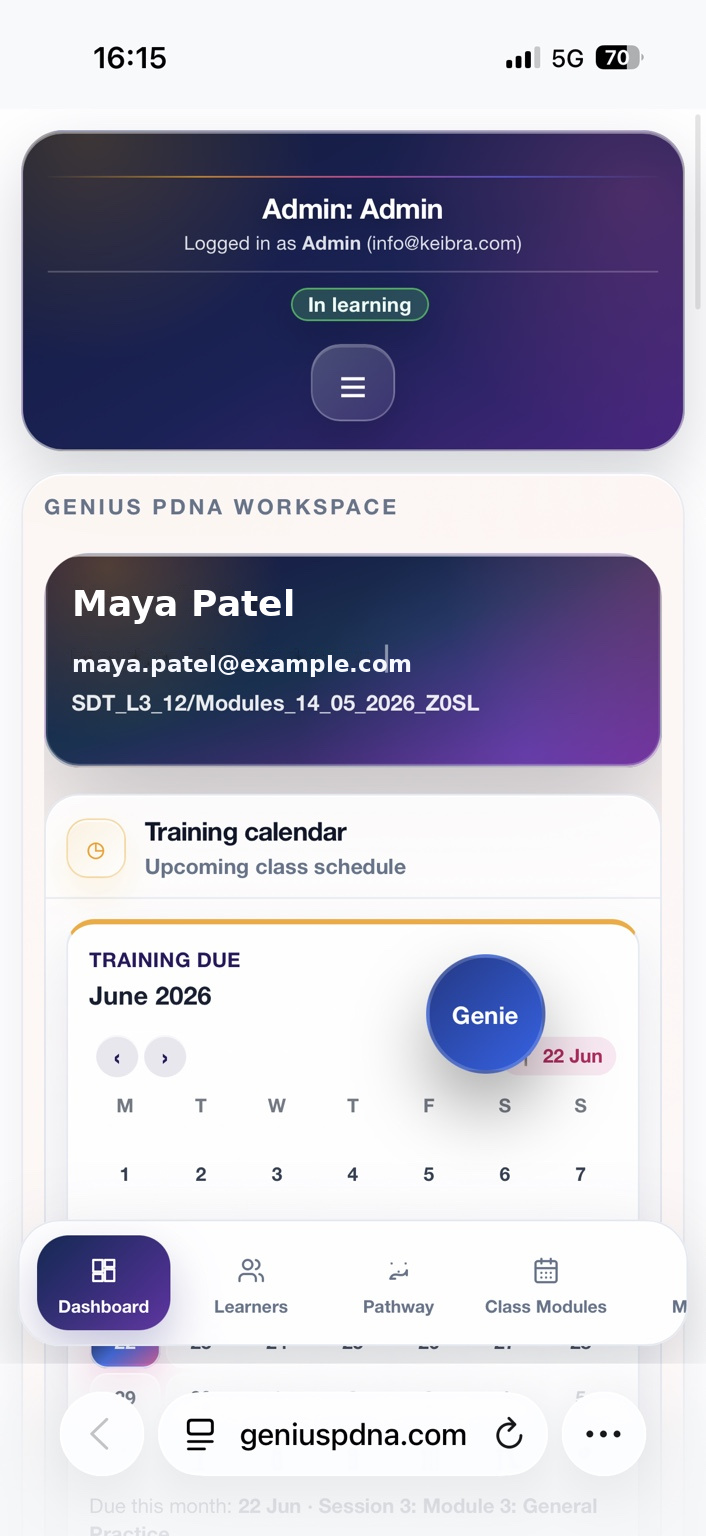
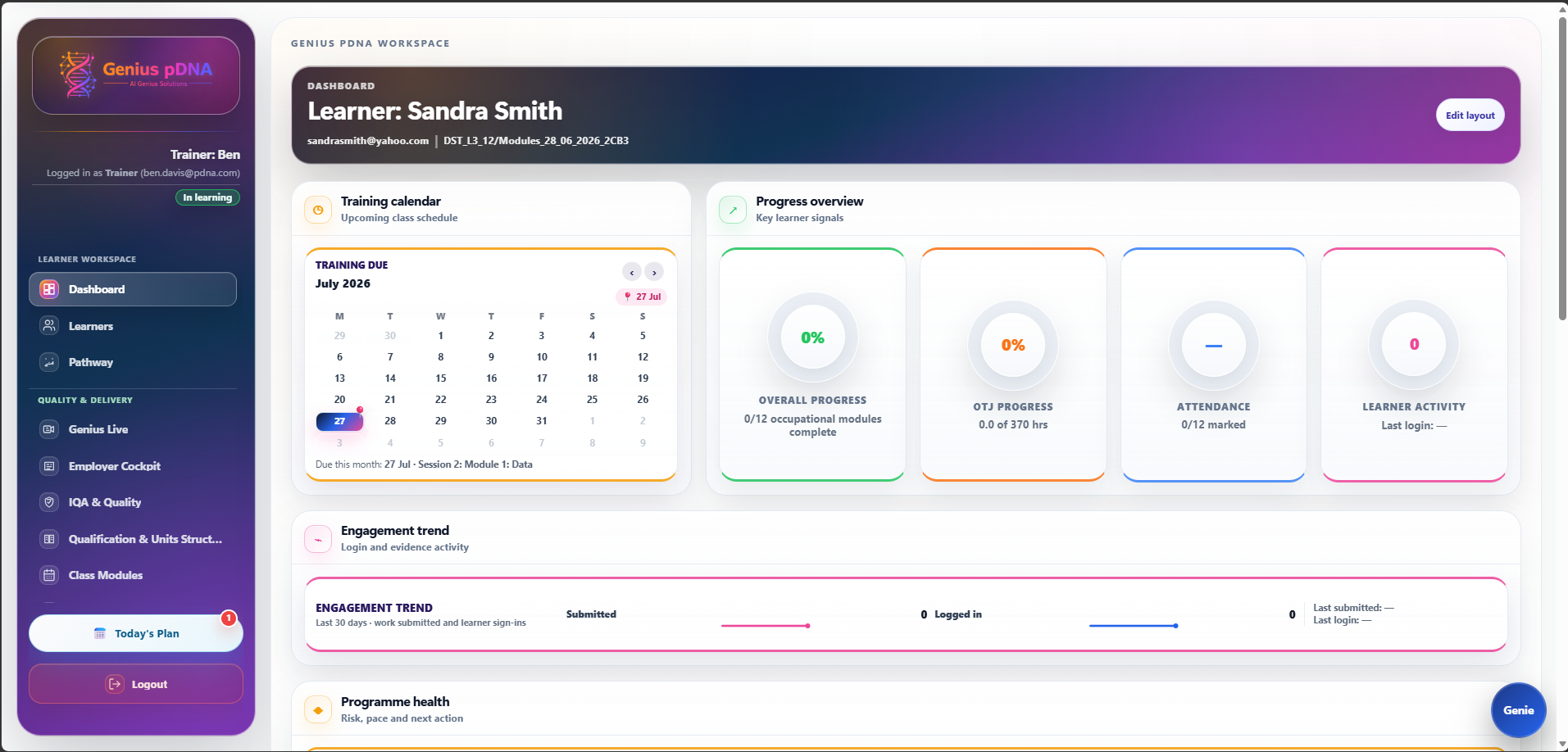
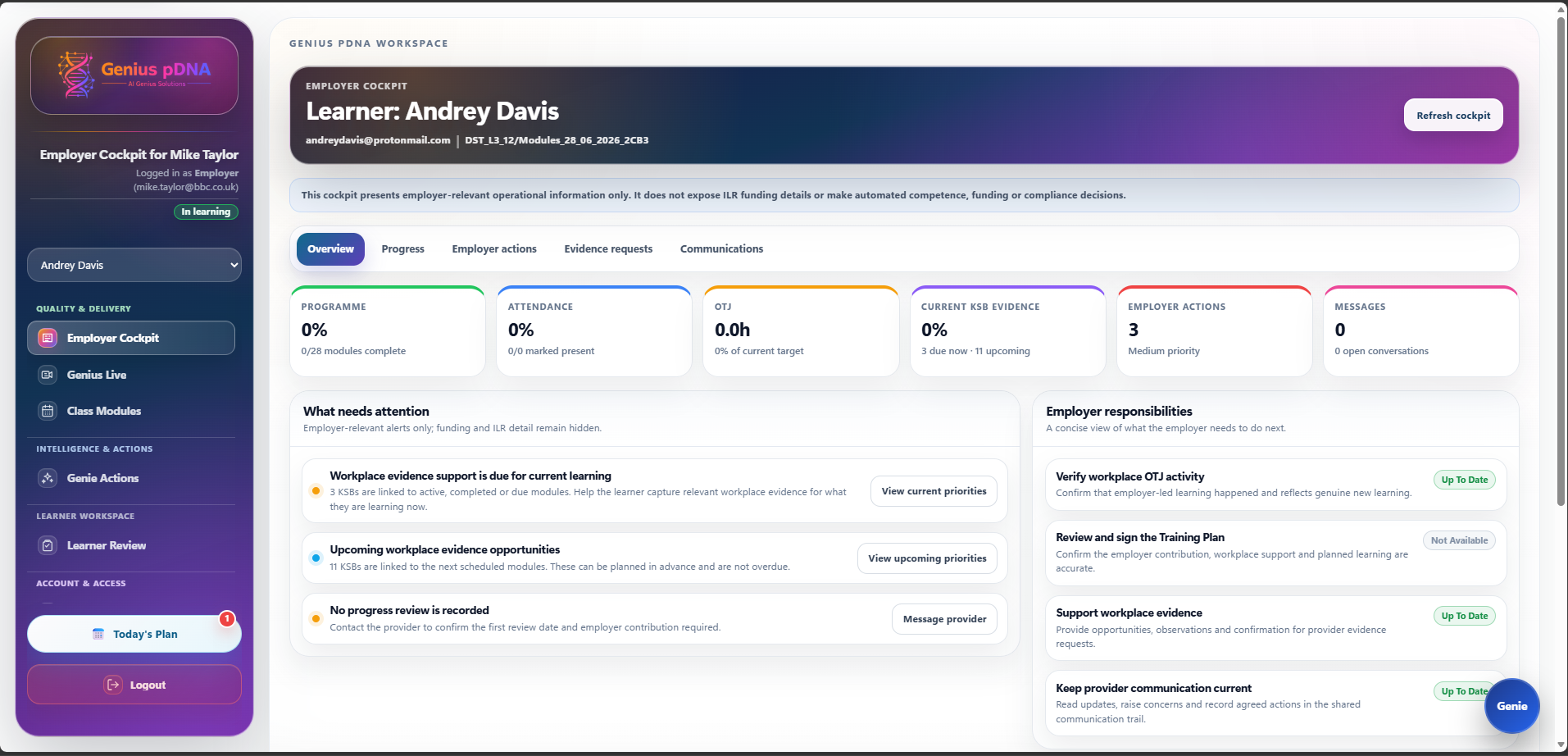
Access is restricted by role. For example, where enabled by the Controller, employers may have
view-only access to limited learner data such as class module schedules and attendance.
Employers cannot edit learner records unless the Controller explicitly grants permissions.
7) Sharing and processors
We do not sell personal data. We share data only as necessary:
- within your organisation, strictly according to role permissions and Controller configuration;
- with approved service providers under contract, solely to host, operate and secure the App; and
- with authorities where required by law or to protect the rights, property, or safety of users and the service.
8) International transfers
If any processing occurs outside the UK, we use appropriate safeguards, such as the UK IDTA or UK Addendum
to the EU SCCs, or other legally recognised transfer mechanisms.
9) Retention
We retain data only as long as necessary for training delivery, auditability, support, and legal or contract
requirements. Retention periods may be configured or specified by the Controller.
10) Security
We implement appropriate technical and organisational measures designed to protect personal data, including
access controls, role-based permissions, transport security and restricted database access. No system is
completely secure; users are responsible for maintaining the confidentiality of their credentials and promptly
reporting suspected compromise.
11) Your rights and requests
Depending on roles and the Controller/Processor relationship, you may have rights to access, rectification,
erasure, restriction, objection and portability. Requests should usually be made to your organisation, the Controller.
Where AIGS can assist, contact andreydavis@aigeniussolutions.com.
12) Complaints
If you are unhappy with how your data is handled, you can raise it with your organisation and/or complain
to the UK Information Commissioner’s Office (ICO).
13) Changes
We may update this notice to reflect changes in the App or legal requirements. The “Last updated” date shows
the latest revision. Material changes may be communicated in-app or via organisational administrators.